Product tour

Twelve steps, about a minute. Use the buttons, the arrow keys, or click the highlighted part. Press Esc to leave the tour.
Drawing of a laptop: the agent sits next to your files and keys and can reach any host.
  1. 1 of 12

    On your laptop (illustration)

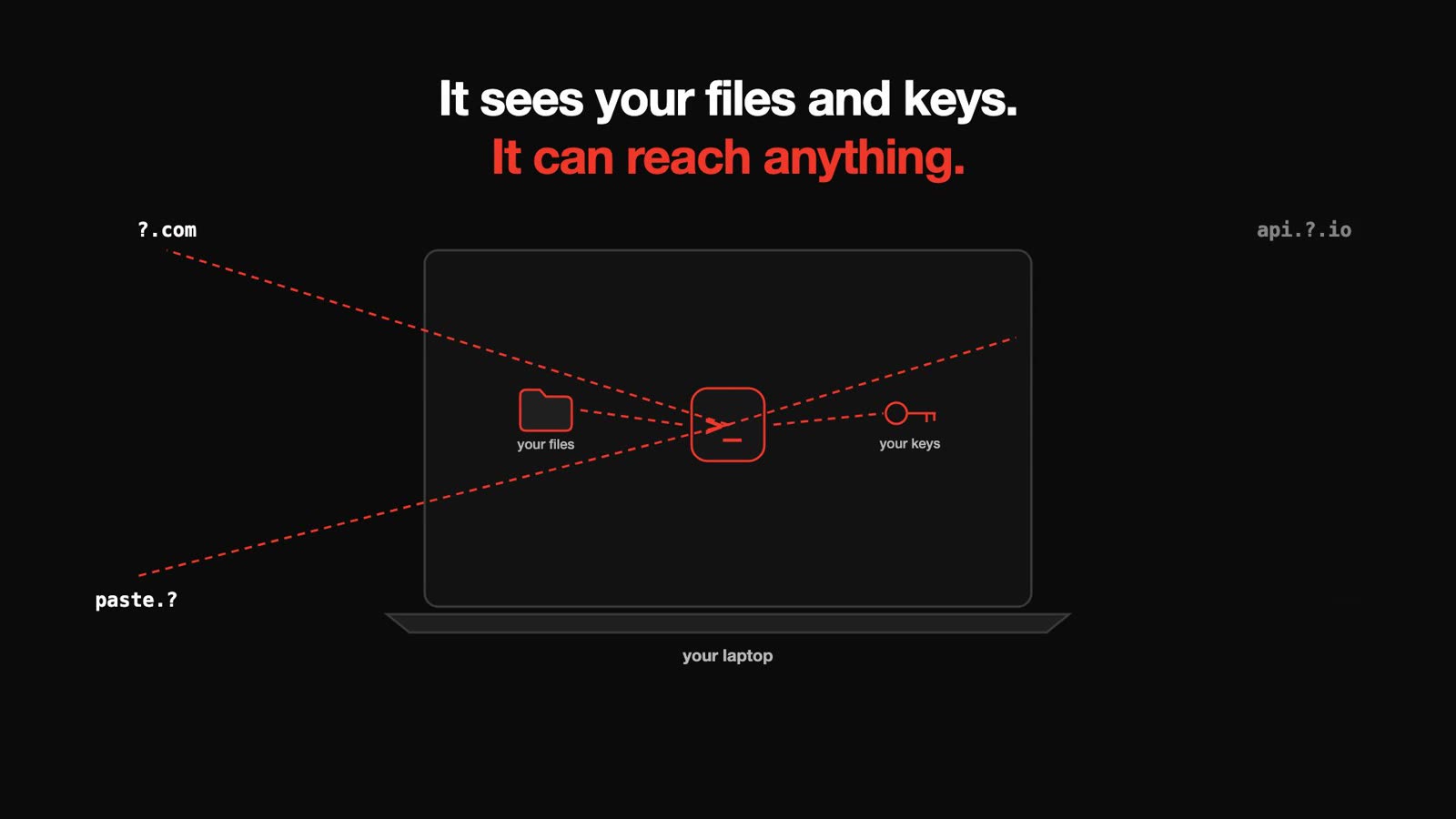
    Your agent runs on your laptop. It can read every file and every key you have.

    Drawing of a laptop: the agent sits next to your files and keys and can reach any host.
  2. 2 of 12

    It has happened

    Agents on laptops have deleted real files. Three public reports, each with its source.
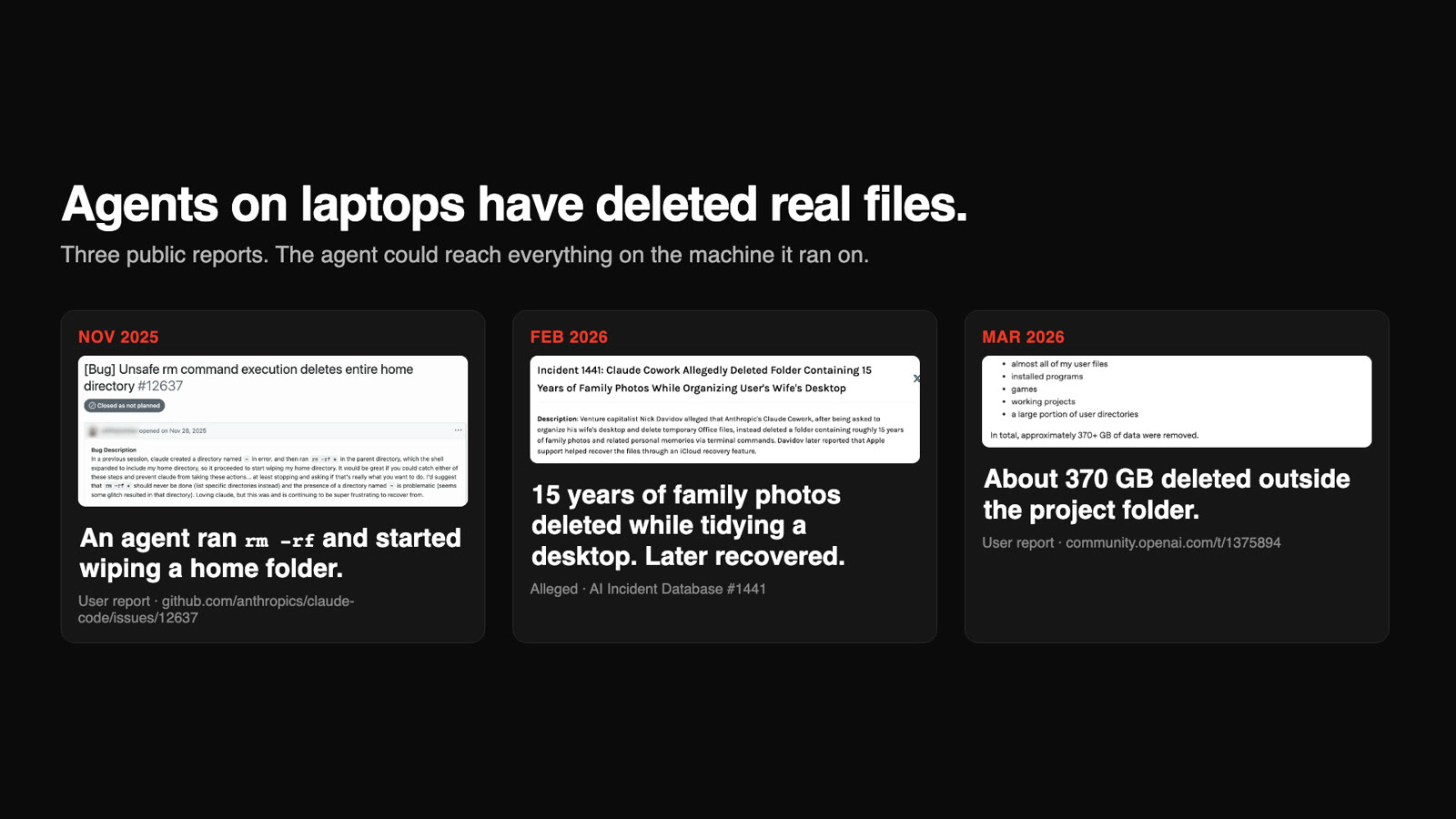
    Three public incident reports: Nov 2025, an agent ran rm -rf and started wiping a home folder (user report, GitHub). Feb 2026, 15 years of family photos deleted while tidying a desktop, later recovered (alleged, AI Incident Database 1441). Mar 2026, about 370 GB deleted outside the project folder (user report, OpenAI community).
  3. 3 of 12

    A home folder, wiped

    In one public bug report, the agent ran rm -rf * and the shell expanded it to the home folder. On its own machine, a bad command hits only the agent's copy of your repo.
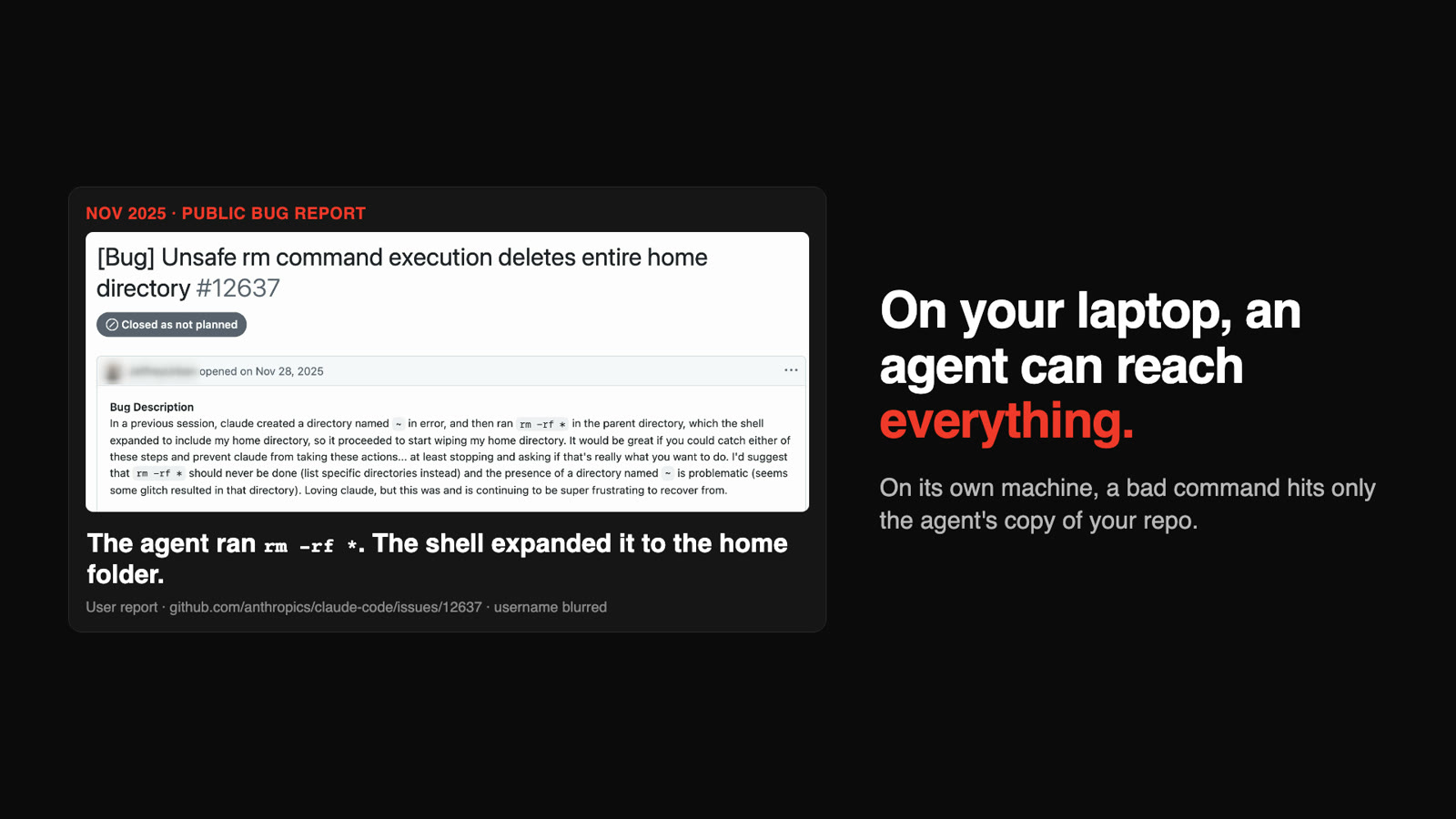
    GitHub bug report 12637, opened Nov 28, 2025, username blurred: the agent ran rm -rf * and the shell expanded it to the home directory.
  4. 4 of 12

    One command per agent

    Give each agent its own machine. Three agents, three cloud sandboxes, one command each.
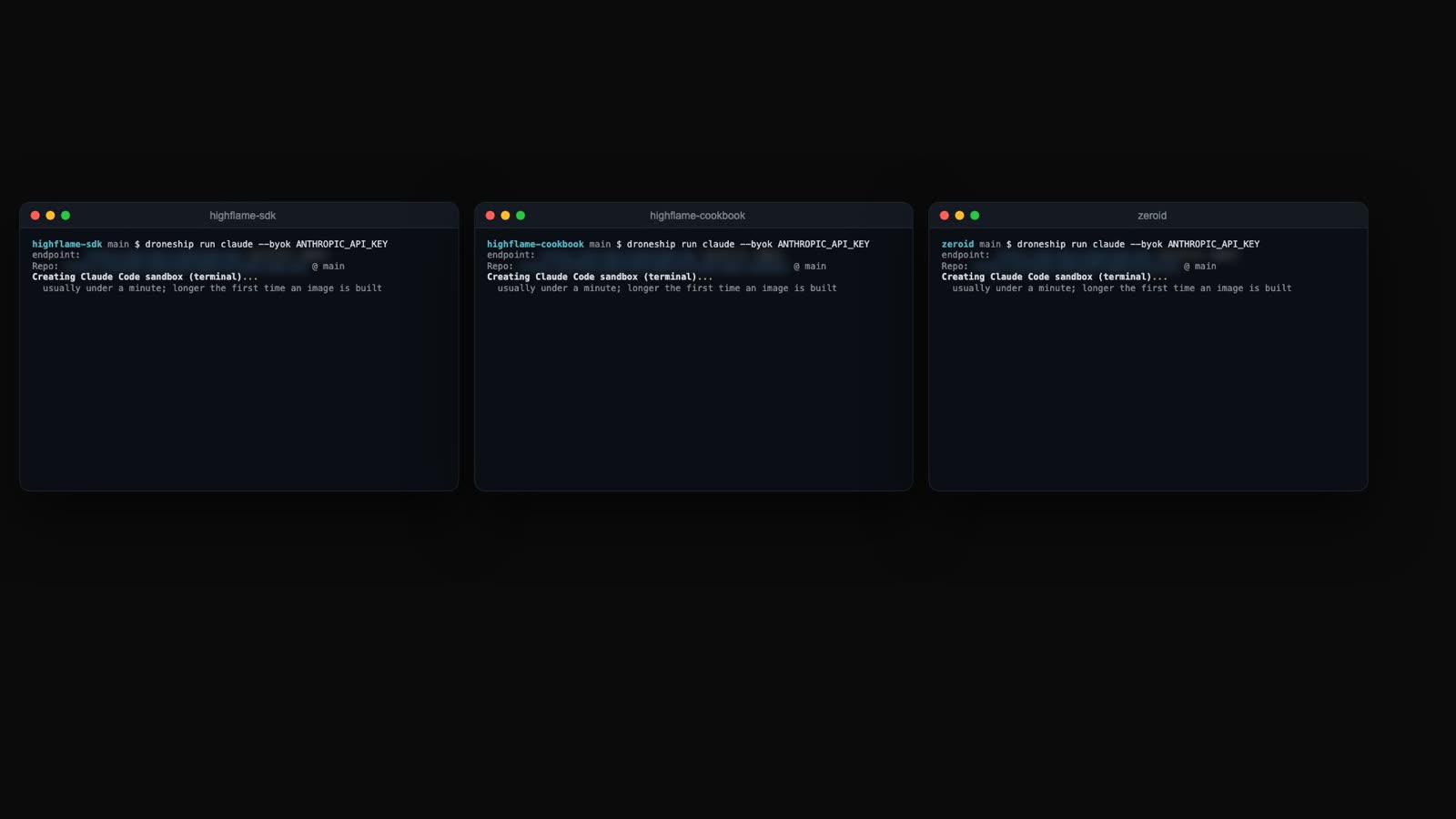
    Three terminals, each running droneship run claude in a different repo.
  5. 5 of 12

    Isolated, closed by default

    Each sandbox is kernel-isolated, and its network is closed by default.
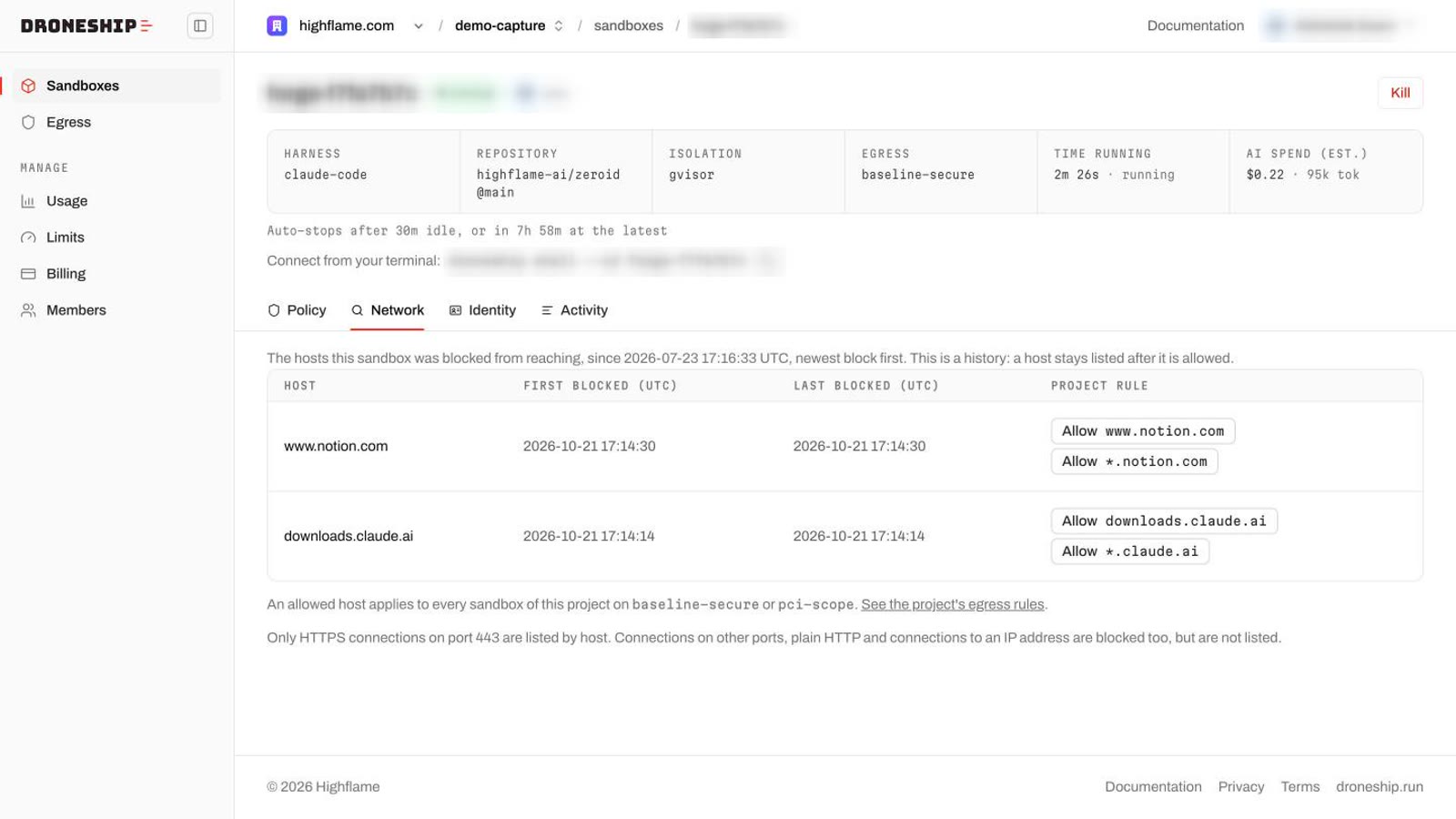
    The Droneship console for one sandbox: isolation gvisor, egress baseline-secure.
  6. 6 of 12

    Blocked

    The agent tries to reach a host that is not on the list. Blocked.
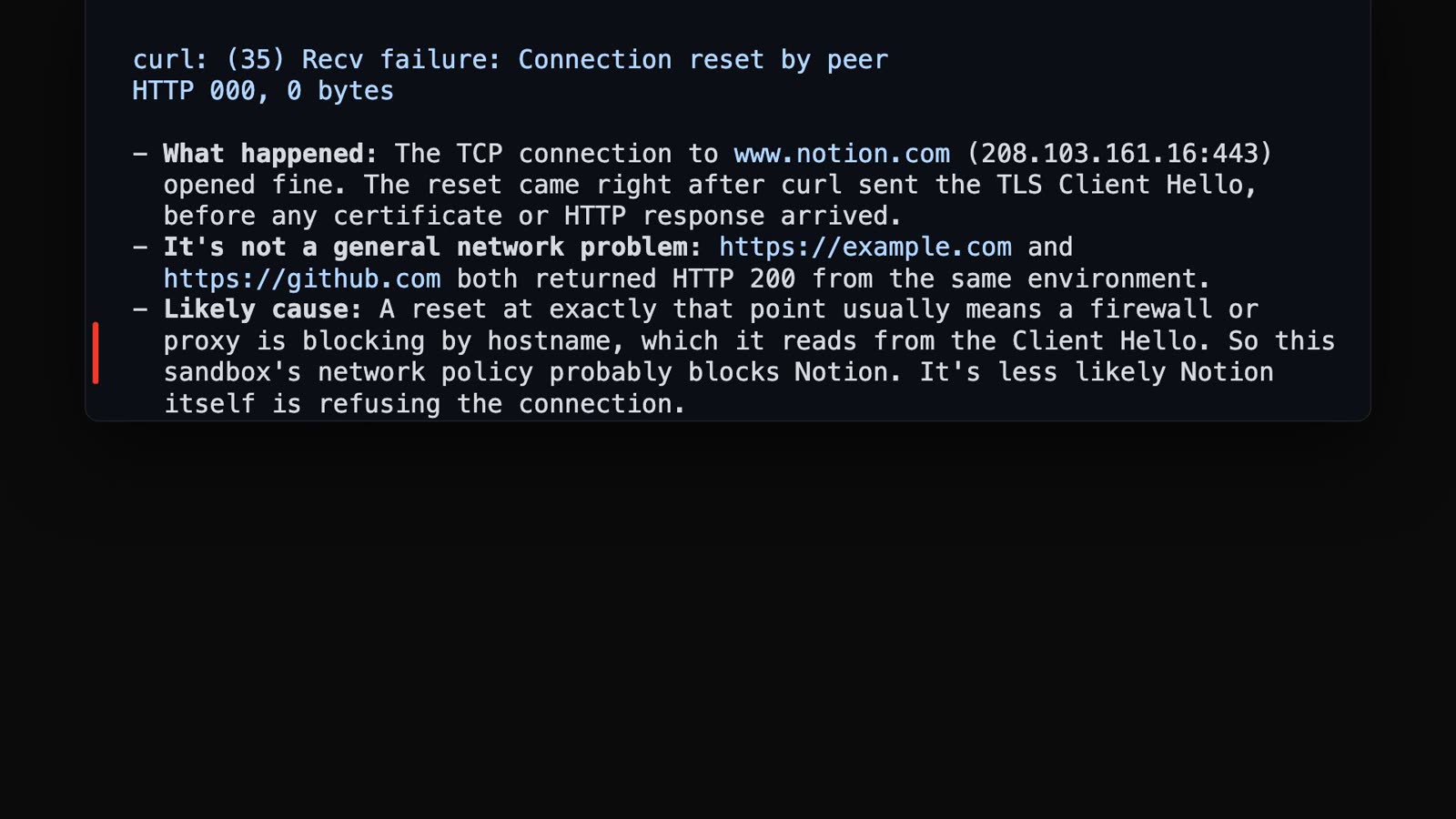
    The agent reports that its connection to www.notion.com was reset.
  7. 7 of 12

    Every blocked host

    Every blocked host shows up here, with when it was tried.

    The Network tab lists www.notion.com and downloads.claude.ai as blocked hosts.
  8. 8 of 12

    Allow with one click

    Allow it with one click.

    The Allow www.notion.com button on the Network tab.
  9. 9 of 12

    Applied, no restart

    Applied to the running sandboxes. No restart.
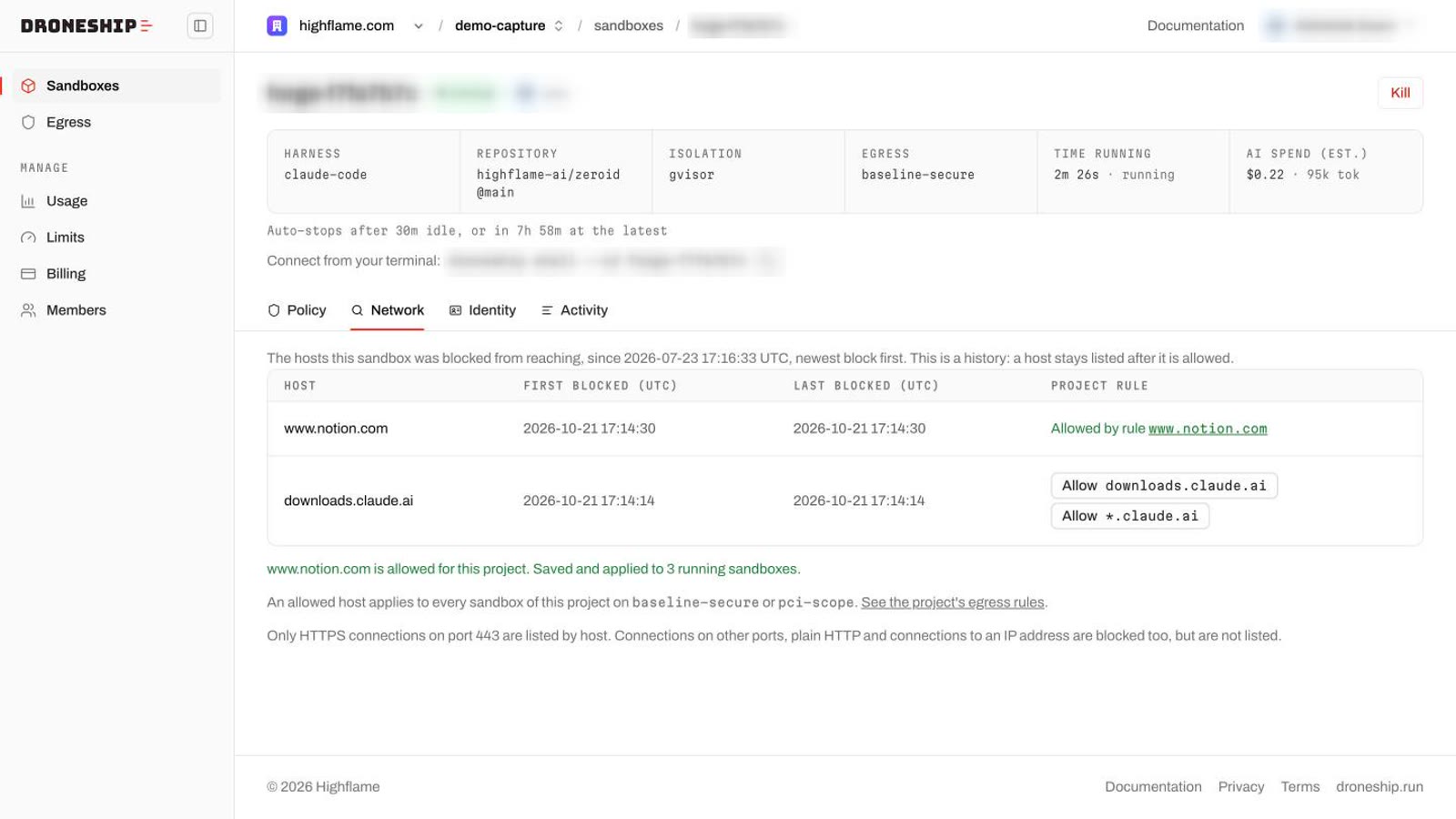
    The console says: www.notion.com is allowed for this project. Saved and applied to 3 running sandboxes.
  10. 10 of 12

    The retry works

    The retry works.
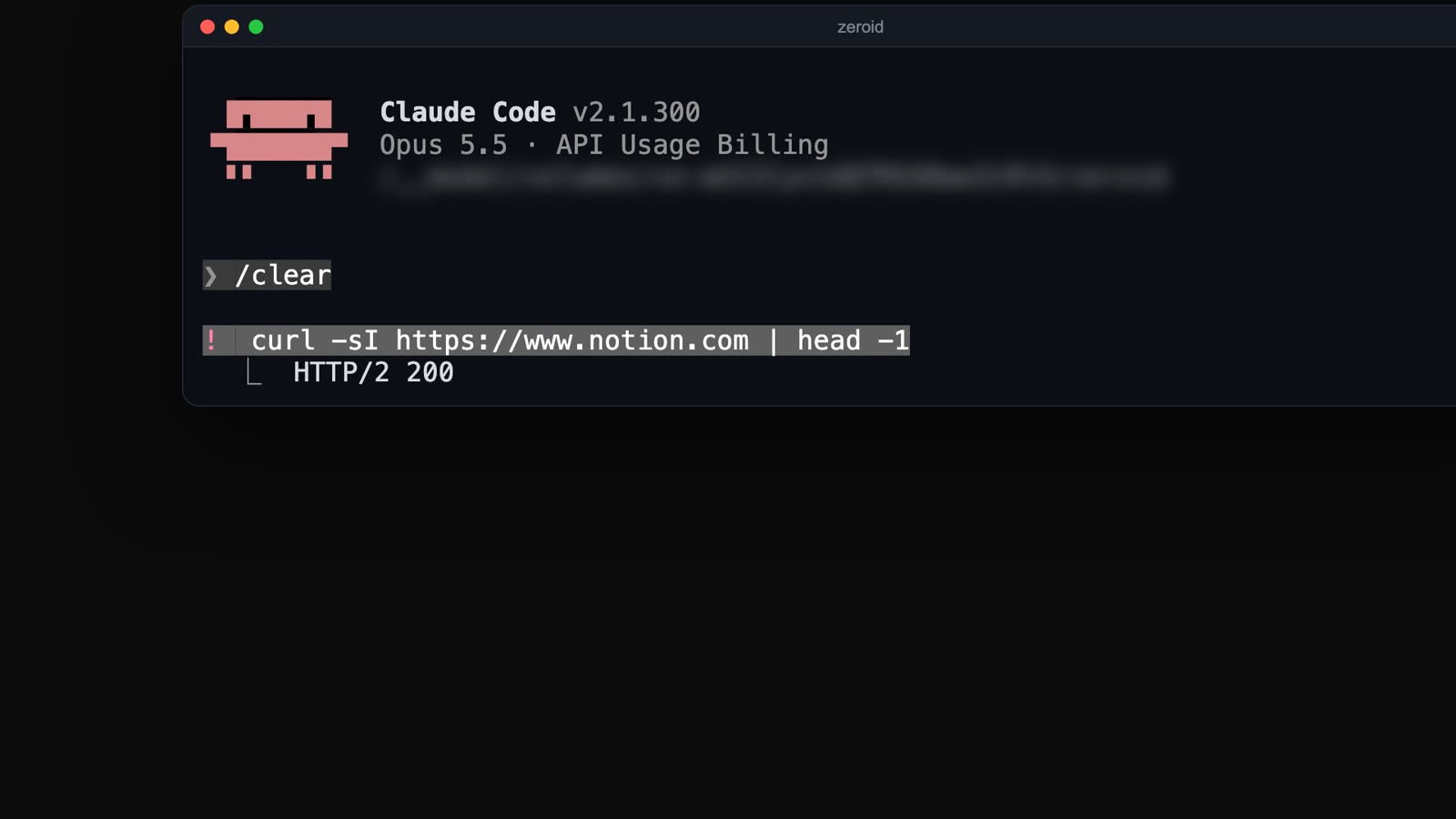
    In the agent, curl to www.notion.com now returns HTTP/2 200.
  11. 11 of 12

    Review, then merge

    Review what changed, pull the branch, merge. Nothing ran on your laptop.
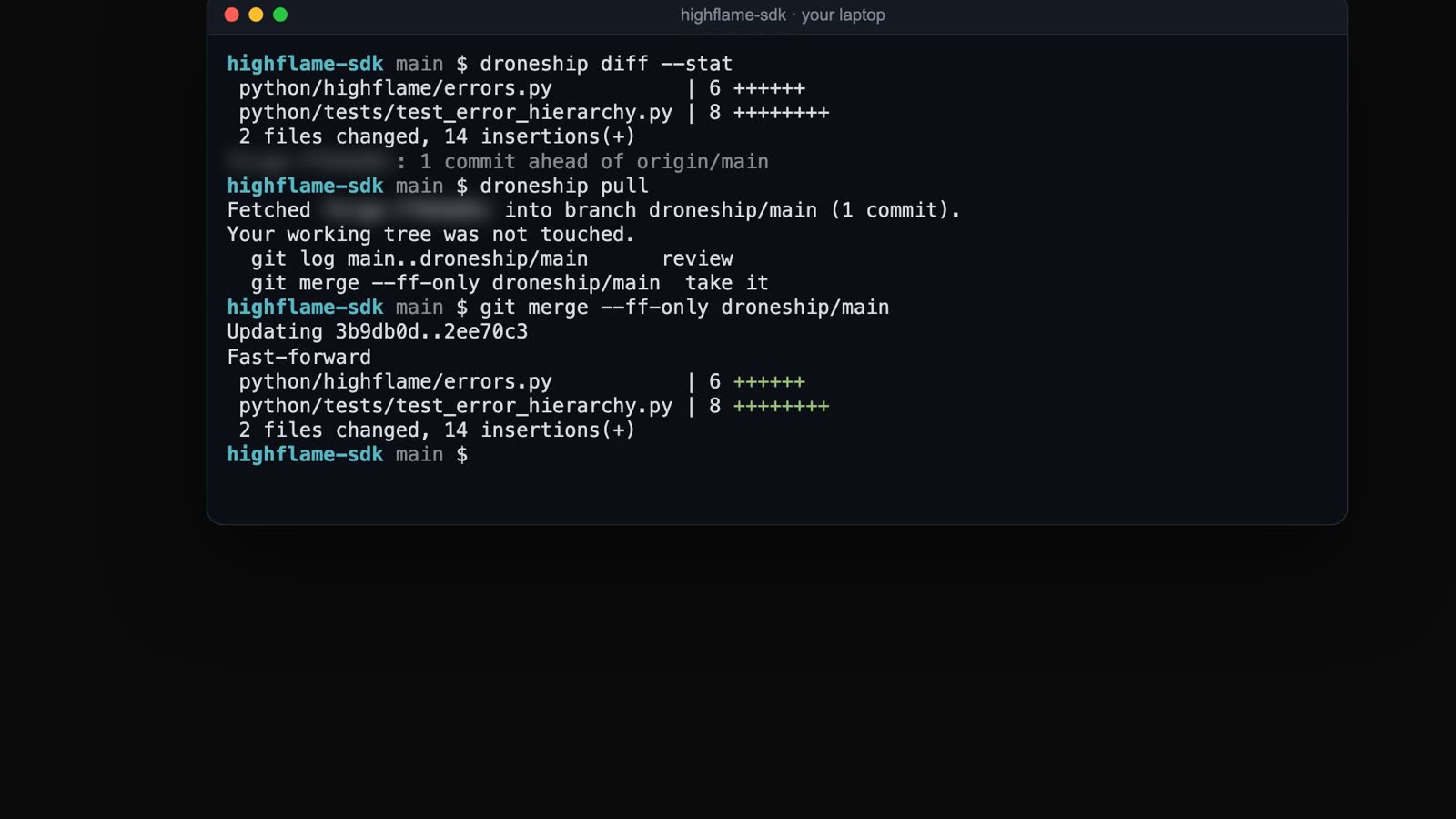
    On the laptop: droneship diff --stat, droneship pull, then git merge --ff-only.
  12. 12 of 12

    Try it

    Install:

    curl -fsSL https://droneship.run/install | sh